I built a plugin that brings AI-powered image generation and editing directly into Claude Code.
- Source code: GitHub (nano-banana-image-editor)
- Install:
/plugin marketplace add emdashcodes/claude-code-plugins
The plugin integrates Google’s Gemini 3 Pro Image (nicknamed “Nano Banana Pro”) with Claude Code’s skill system.
The Reason
When working in Claude Code, both for work and for personal projects, I found myself needing images—icons for presentations and documentation, cleaned-up screenshots and images, as well as diagrams.
What the Plugin Does
Nano Banana brings multimodal AI capabilities directly into your Claude Code workflows:
- Generate images from text descriptions – “Create a minimalist app icon with a blue gradient”
- Edit existing images with AI – “Remove the extra elements from this screenshot”
- Create factual infographics – Real-time data via Google Search grounding
- Style transfer – Apply artistic styles using reference images
- Character consistency – Maintain the same person/object across multiple images
All without leaving Claude Code.
Capabilities
Resolution & Aspect Ratios
The plugin supports multiple resolution levels to optimize your workflow:
- 1K (1024×1024) – Fast iteration and prompt testing
- 2K (2048×2048) – Professional quality for production
- 4K (4096×4096) – Maximum quality, studio-grade output
Aspect ratios: 1:1, 16:9, 9:16, 4:3, 3:2, and 21:9 ultra-wide cinematic shots.
Multi-Image Intelligence
Use up to 14 reference images in a single generation:
- Character consistency – Maintain facial resemblance for up to 5 people
- Object fidelity – Blend up to 6 objects with high accuracy
- Style transfer – Apply artistic styles from reference images
- Composition blending – Combine elements from multiple sources
Real-World Awareness
Google Search grounding connects the image generator to current, factual information:
- Generate weather infographics with actual forecast data
- Visualize scientific data from recent research
- Build accurate maps and location-based visuals
No manual research needed as Gemini fetches real-time data during generation.
Advanced Editing
Transform existing images with natural language:
- Remove unwanted objects
- Change backgrounds or remove them entirely
- Adjust colors, lighting, and composition
- Add or modify text within images
- Apply professional camera effects
Demo
How It Works
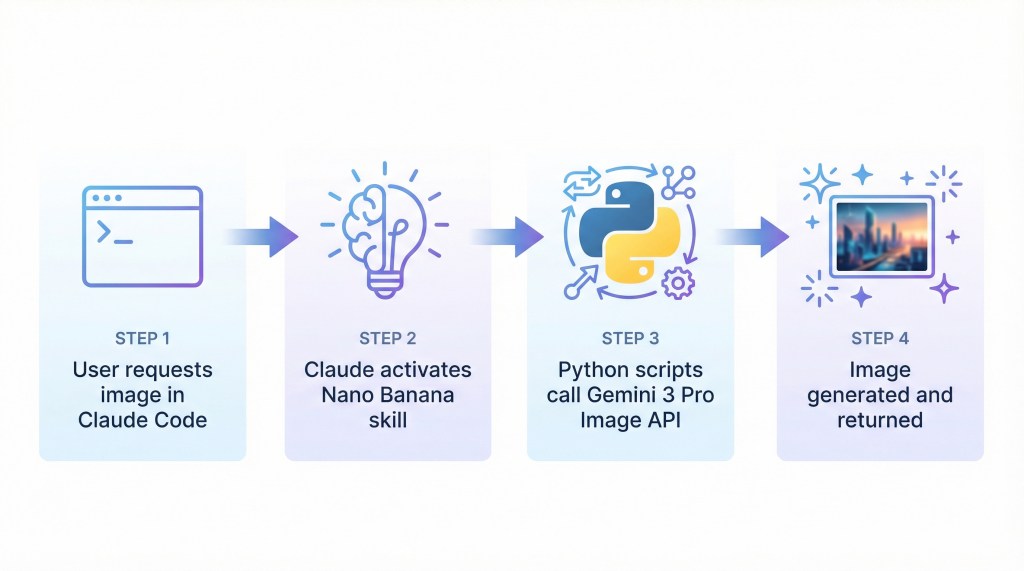
The workflow is simple: request an image → Claude activates the skill → Python scripts call Gemini API → image generated and returned
Prompt:
A modern infographic diagram showing a horizontal workflow with four connected steps.
Step 1 on the left: terminal window icon with text "User requests image in Claude Code"
below it. Step 2: brain or lightbulb icon with text "Claude activates Nano Banana skill"
below. Step 3: Python logo with API symbols and text "Python scripts call Gemini 3 Pro
Image API" below. Step 4 on the right: sparkle icon with a sample generated image and
text "Image generated and returned" below. Connect each step with clean right-pointing
arrows showing the flow. Use a professional light blue and purple gradient color scheme,
modern tech aesthetic with clean minimalist design. White background, clear sans-serif
typography, simple icon illustrations for each step, professional infographic style
suitable for a blog post.
Settings: 2K resolution, 16:9 aspect ratio
Example Generations
Here are some example images generated by the plugin, including the prompts used:
1. App Icon Generation
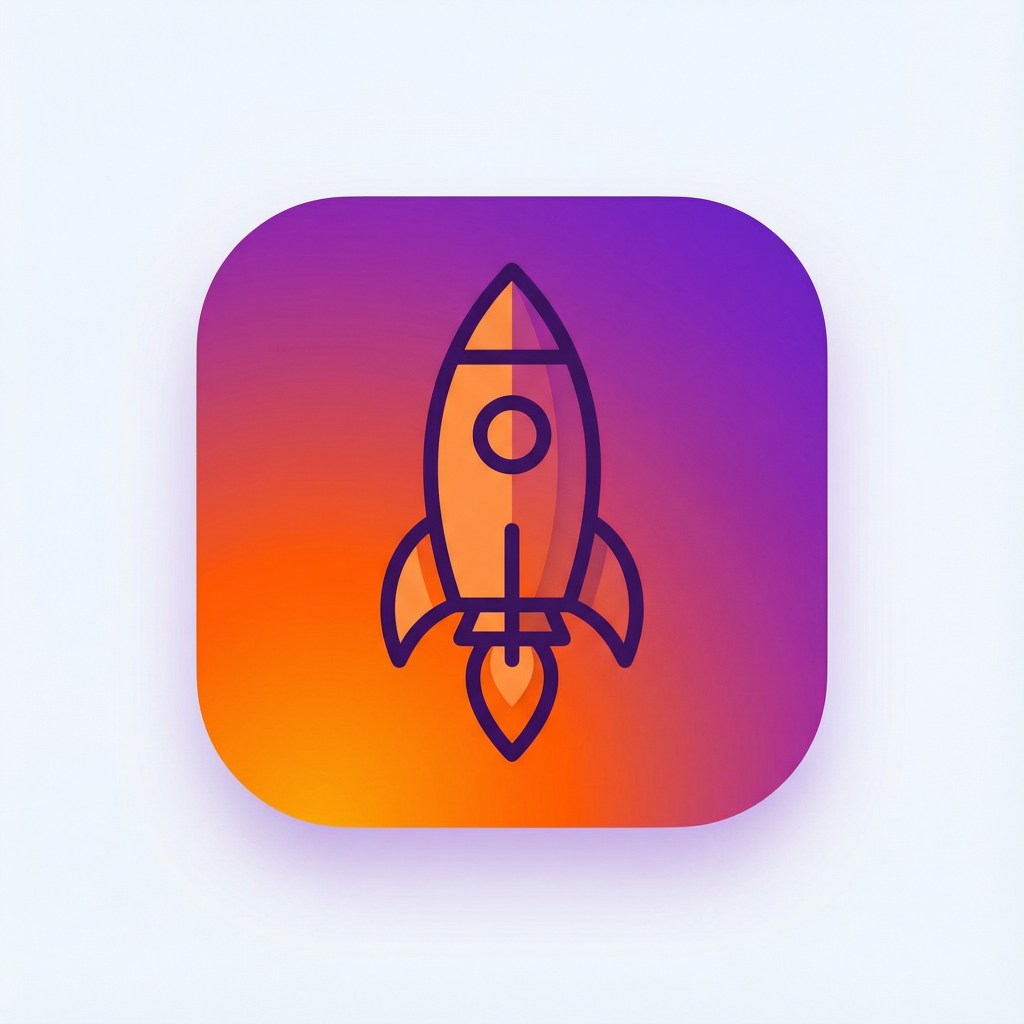
Prompt:
A modern minimalist app icon featuring a stylized rocket ship launching upward,
bright gradient from orange at bottom to purple at top, clean geometric design
with bold outlines, rounded square shape suitable for mobile app, professional
and eye-catching, flat design style with subtle depth, 1024x1024 icon design
Settings: 2K resolution, 1:1 aspect ratio
2. Artistic Illustration
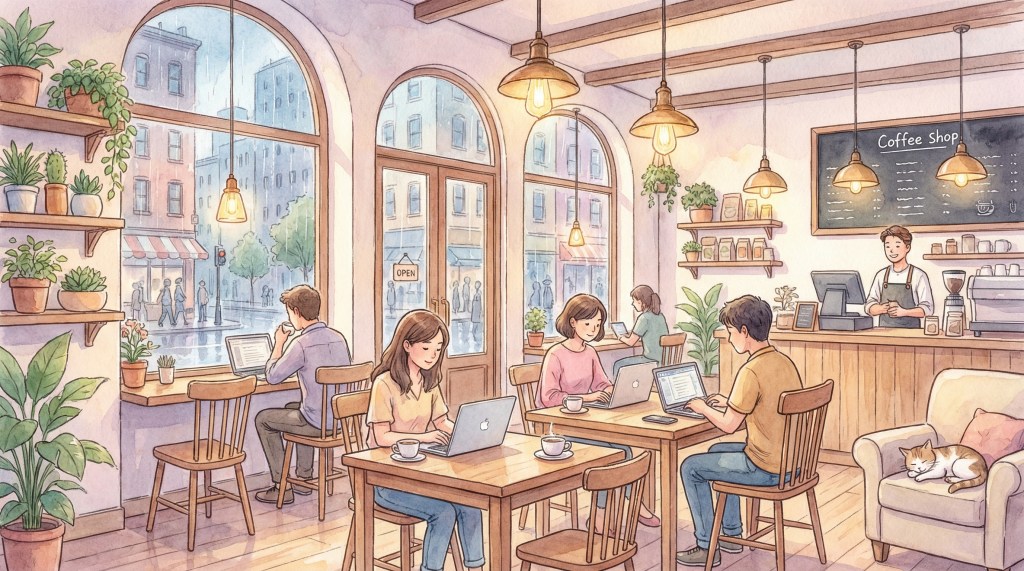
Prompt:
A cozy coffee shop interior illustration, warm lighting from pendant lamps,
wooden tables with laptops and coffee cups, large windows showing city street
outside, potted plants on shelves, barista counter in background, watercolor
art style with soft pastel colors, inviting and peaceful atmosphere, artistic
and dreamy aesthetic
Settings: 2K resolution, 16:9 aspect ratio
3. Product Photography
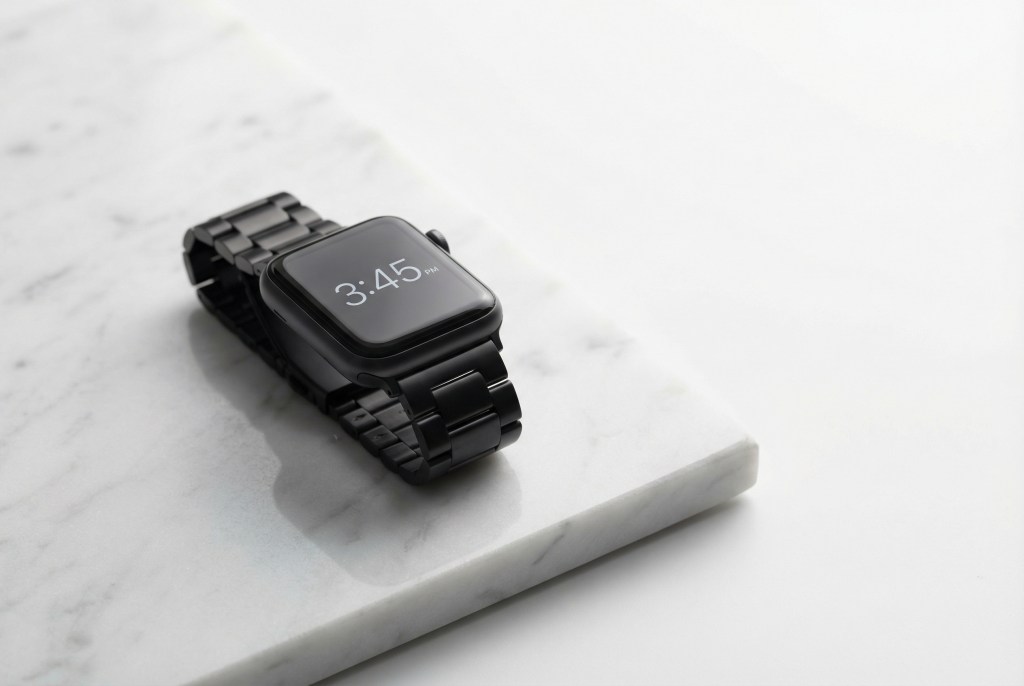
Prompt:
Professional product photography of a sleek smartwatch displayed on a white
marble surface, watch face showing 3:45 time, modern minimalist design with
black band, soft studio lighting creating subtle shadows, shot from 45-degree
angle, clean white background with copy space, high-end commercial photography
style, sharp focus on product details
Settings: 2K resolution, 3:2 aspect ratio
How to Use
Installation
The plugin is part of my Claude Code plugins marketplace:
# Add the marketplace
/plugin marketplace add emdashcodes/claude-code-plugins

# Install the plugin
/plugin install nano-banana-image-editor@emdashcodes
You’ll be prompted on first use to enter your Gemini API key.
Quick Start
Use the slash command for quick image generation:
/nano-banana-image-editor:image Create a vibrant sunset over mountains
Or just ask Claude naturally:
Can you create an icon for my app? It should be modern and minimalist,
using blue and green gradients, 1024x1024
Claude will automatically activate the skill and generate the image.
Under the Hood
- Model: Google Gemini 3 Pro Image (
gemini-3-pro-image-preview) - SDK:
google-genaiPython library - Integration: Claude Code skill system with progressive disclosure
Resources:
 Em- Codes
Leave a comment